




App Description
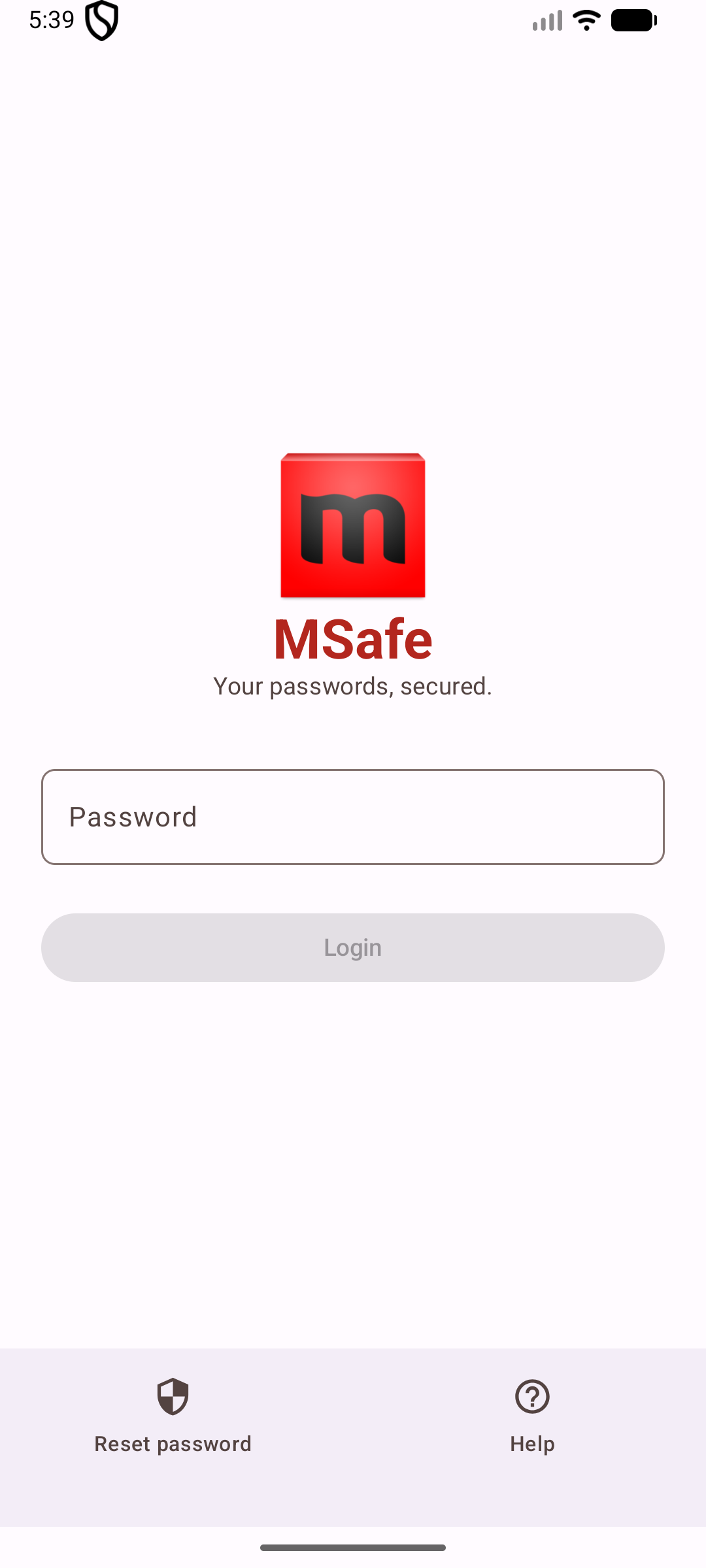
mSafe is the password manager that can’t phone home.
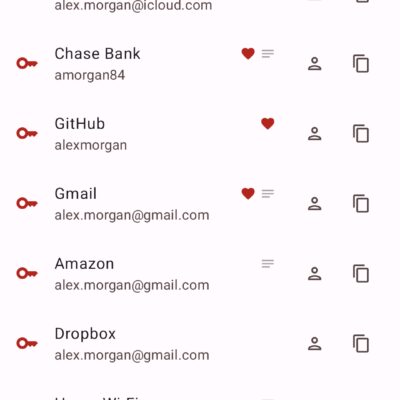
Your vault is stored on your phone, encrypted with AES-256, and there is no server to breach because mSafe doesn’t operate one. No account to create. No email to verify. No cloud to sync to. The app doesn’t even request network permission — it literally cannot connect to the internet.
WHY OFFLINE?
Cloud password managers are convenient. They are also a single point of failure: one breach at the provider, and millions of vaults leak at once. mSafe trades convenience for control. If you want your passwords to sync automatically across devices, there are better apps. If you want a vault that nobody but you will ever touch, read on.
SECURITY THAT WORKS OFFLINE
• AES-256-GCM for every credential, PBKDF2-SHA256 with 600,000 iterations to derive the key from your master password
• Fresh random IV per entry, so identical passwords encrypt to different blobs
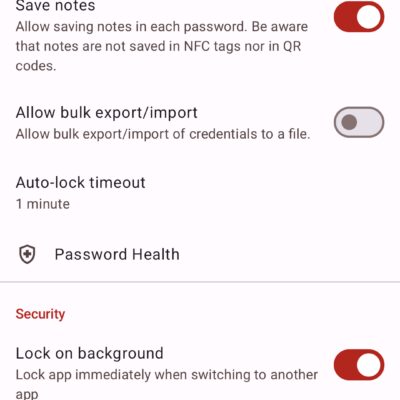
• Ten wrong master-password attempts wipe the vault — there is no unlock bypass, no recovery email, no back door
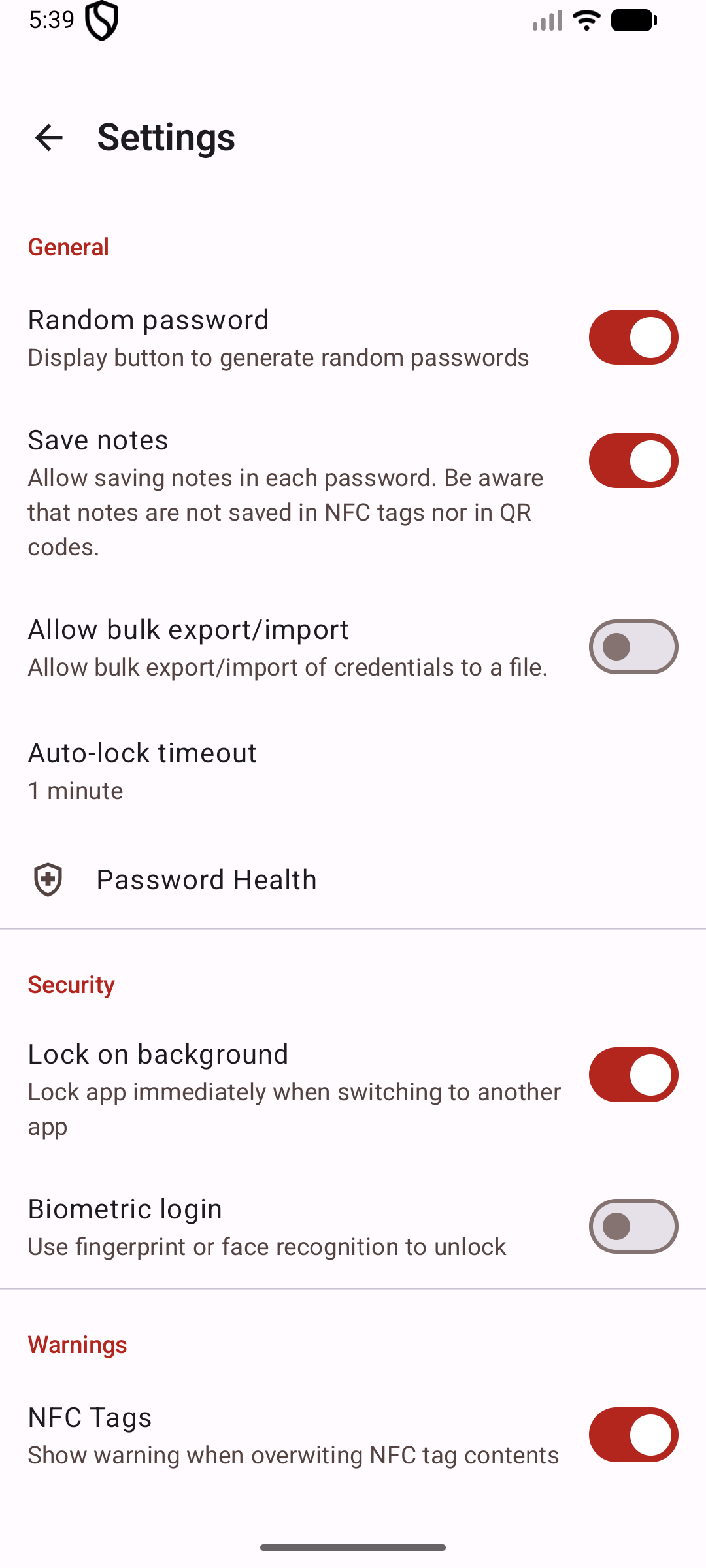
• Biometric unlock is backed by the Android Keystore; your master password always works as a fallback
YOU CONTROL YOUR BACKUPS
• Export any credential (or your whole vault) as a QR-code PDF — print it, lock it in a drawer, done
• Write a credential to an NFC tag — tap a phone to it later to restore
• Export the vault as an encrypted .msafe file and move it between devices offline
• Nothing syncs automatically. You decide when and where a backup lives.
BUILT FOR THE WAY YOU ACTUALLY USE PASSWORDS
• Password generator with a live entropy meter — tune length and character classes until the strength bar pegs
• Password Health dashboard flags weak passwords and spots reuses across services
• Android Autofill support — fill credentials into apps and browsers with one tap
• Material 3 design, with light and dark themes that follow your system setting
• Auto-lock timeout you control, or turn off entirely
FREE IS GENUINELY FUNCTIONAL
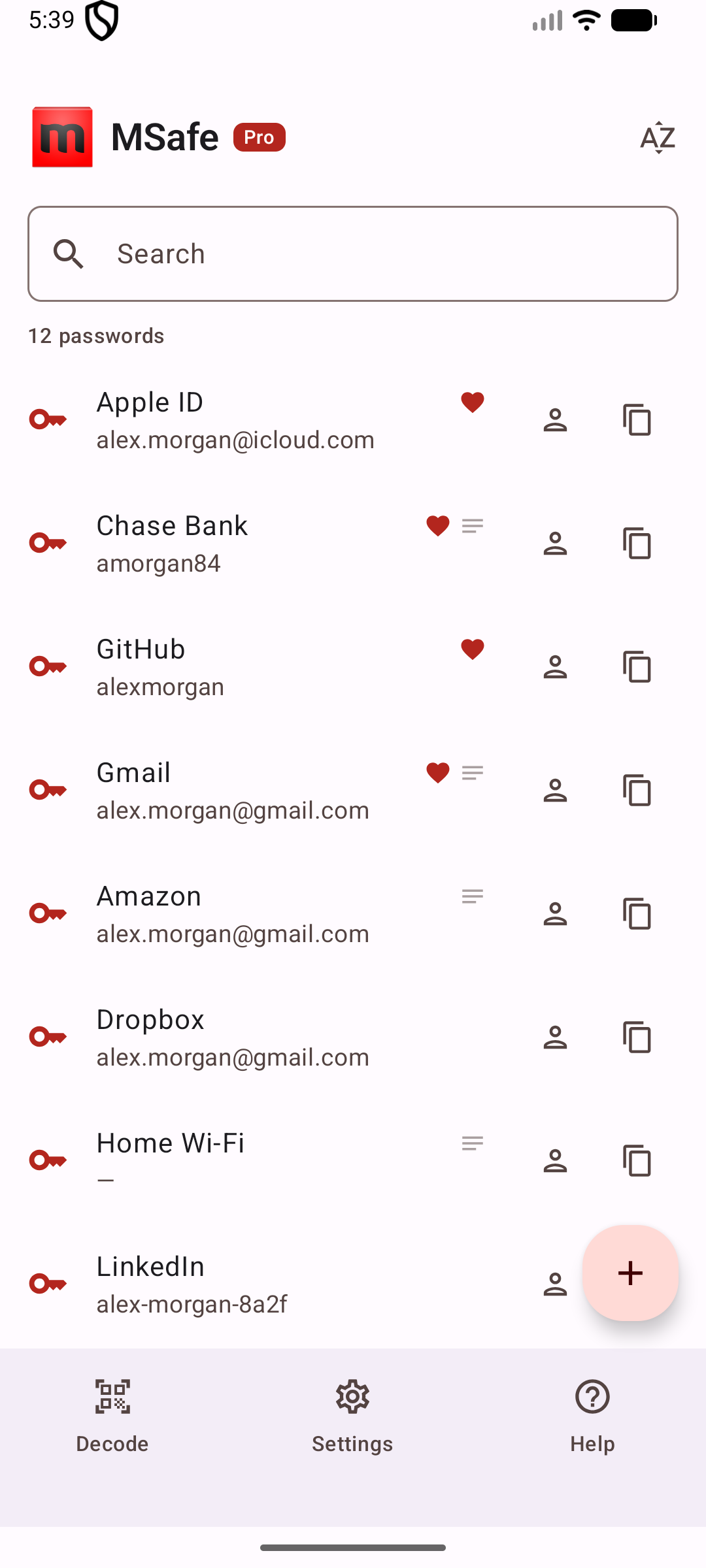
The free version stores up to 25 credentials — enough for most people’s frequently-used accounts — with zero ads and zero trial nagging. Pro is a single one-time purchase: it removes the credential cap. That’s it. No features held hostage, no subscription.
WHAT mSAFE WILL NEVER DO
• Request network access — android.permission.INTERNET isn’t even declared in the manifest
• Create an account, collect your email, or verify a phone number
• Embed analytics, crash reporters, or tracking SDKs of any kind
• Show ads
• Upload your vault to our servers, because there are no servers
The only way your vault leaves your phone is if you explicitly export it — and even the exports are encrypted.
PERMISSIONS, BRIEFLY
• Camera — only when you scan a QR code to import
• NFC — only when you read or write a tag
• Biometric — only if you enable fingerprint unlock
• Autofill — only if you turn it on in Android’s system settings
WHO THIS IS FOR
If you want a password manager that behaves like a physical notebook — mine, and nobody else’s — mSafe is built for you. It is deliberately simple: a vault, a lock, and a few sensible ways to back up what’s inside.
Also On Sale
-
ML2U 30N Watch Face
$1.64 -

Winter Burrow
$9.99 -
-

Fluorescent – Icon Pack
$0.39